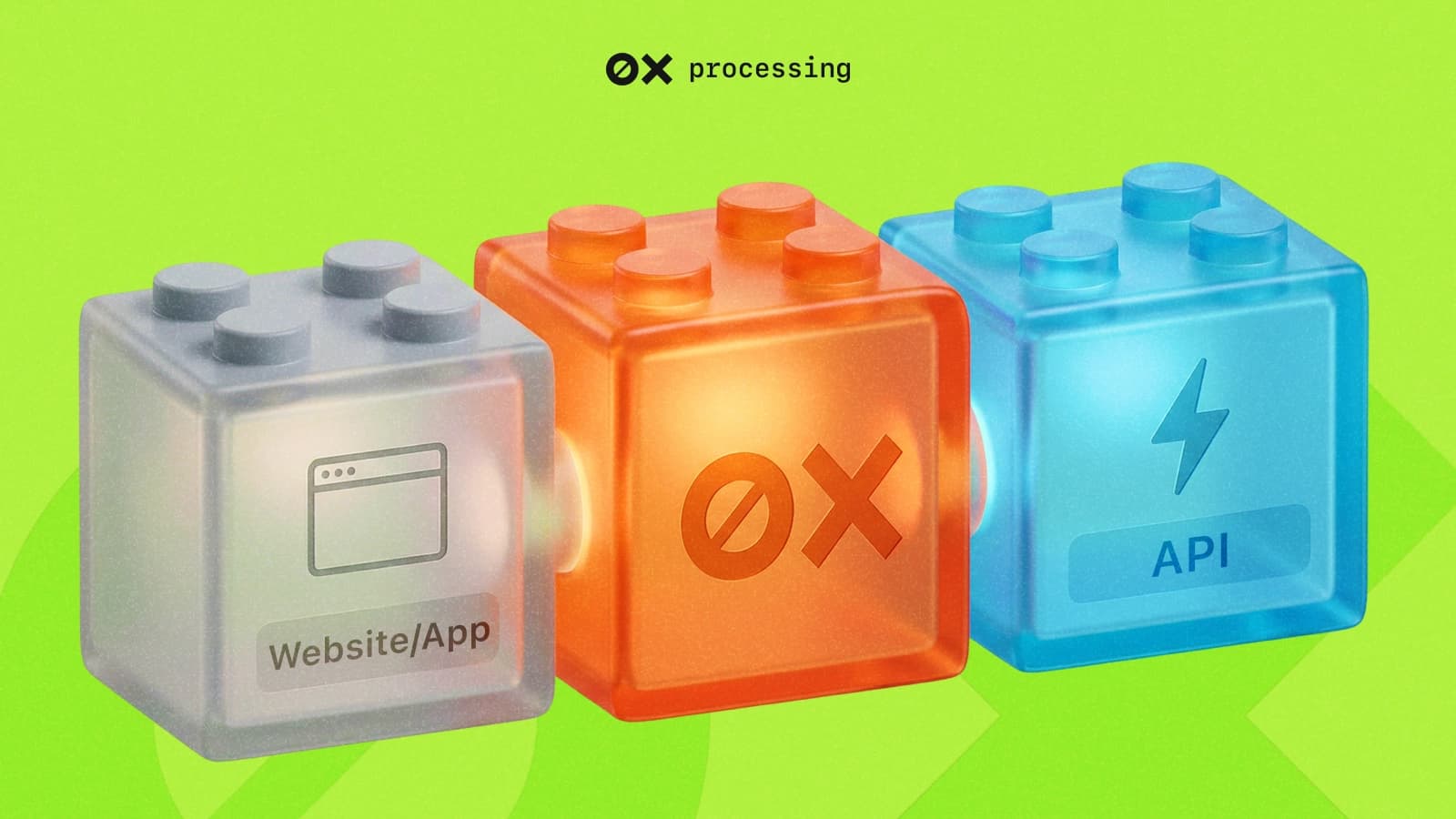
Would you like to accept Bitcoin, ETH or USDT on your website or in your app, but are worried about the complexities of blockchain? The Crypto Pay API is a ready-to-use toolkit that allows you to start accepting cryptocurrencies in a matter of days, rather than months. Instead of having to understand nodes, addresses and confirmations, you simply send an HTTP request with the amount and order details, and the API returns a ready-to-use payment link or wallet address. The payment is tracked automatically, and webhooks instantly notify your server of a successful transaction. This is the quickest and cheapest way to open your business up to a global audience.
In this article, we’ll take a detailed look at what the Crypto Payment API is, how it works, and why it’s the best choice for modern businesses. We’ll cover:
- what an API is in simple terms and what role it plays in a crypto gateway;
- key benefits for businesses: from reduced fees to entering new markets;
- the full integration process using 0xProcessing as an example: from obtaining API keys to handling webhooks;
- code examples for the most popular operations;
- why crypto is better than traditional payment methods.
What is the Crypto Pay API
An API (Application Programming Interface) is an intermediary that allows different programmes to communicate with one another. In our case, it acts as a bridge between your website or app and the cryptocurrency payment system. Instead of creating a crypto wallet yourself and tracking every transaction on the blockchain, you simply ‘tell’ the API: ‘Create an invoice for the customer for 50 USDT’. The API processes the request and returns a ready-to-use payment link.
Imagine a digital cashier working with cryptocurrency. You send them the amount and order details, and they provide your customer with a unique wallet address or payment link. Once the payment is made, the API instantly notifies your system – without any manual intervention or technical complications.
What is a cryptocurrency gateway and why does it need an API?
A cryptocurrency payment gateway (e.g. 0xProcessing) is a service that handles all the technical work with the blockchain. It generates addresses, tracks incoming payments, converts currencies and reports on payment status.
Why does a gateway need an API? An API is the language through which your business sends commands to the gateway. Without an API, you would have to log into your account and issue invoices manually. With an API, this process is fully automated: order placed on the website → automatic request to the API → customer receives an invoice → after payment, the API notifies your website, and the order status changes to ‘Paid’.
Using the API, you can accept payments in a variety of ways: on websites, platforms, in chat rooms, etc. This opens up endless possibilities for integration.
How does a business benefit from API integration?
Compared to fiat currency using the Crypto Payment API gives a business a number of critical advantages.
- Automation and resource savings. The entire payment cycle is automated. There is no need to hire a separate employee to check for incoming payments on the blockchain.
- Speed to market. Integration via API takes days, not weeks or months, unlike developing your own payment system.
- Global reach. You can accept payments from anywhere in the world without banking restrictions. Users from countries where cards are unavailable will be able to pay you in cryptocurrency.
- Lower fees. Crypto processing is cheaper than traditional card payments. Payment systems charge 2–3% for processing card transactions, whilst cryptocurrency processors operate with a fee of 0.4–1%.
- No risk of chargebacks. Cryptocurrency transactions are irreversible. Once a payment is confirmed, the customer cannot reverse it through a bank, which is critical for digital goods and services.
- Instant settlements. Cryptocurrency knows no weekends. Payments arrive in your gateway account within minutes of the customer making the payment. On the TRON network, this takes less than a minute.
Step-by-step process for integrating the Crypto Payment API
The process of crypto payment integration, including 0xProcessing, consists of several standard steps.
Want to accept crypto payments on your website?
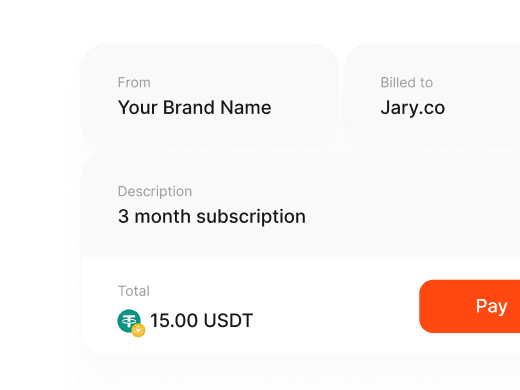
Step 1. Obtaining API keys.
Register with 0xProcessing. Activate your account by clicking the link in the email sent to your inbox. In your dashboard, go to the Merchant -> API section. Click ‘Generate key’ and copy the generated key. Important: save it in a secure location on your server. For security reasons, we cannot show it to you again. When a new key is generated, the old one will stop working.
Step 2. Configuring notifications (Webhook URL).
In the same API settings section, specify the Callback URL (webhook). This is an address on your server where 0xProcessing will send notifications regarding payment status (successful, insufficient funds, error). This is a key element for automating order updates in your system. You can also configure withdrawal limits and other parameters in the Merchant -> API -> General settings section.
Step 3. Creating a payment (payment request).
When a customer wishes to place an order, your server sends a POST request to the 0xProcessing API endpoint. There are two main methods depending on your business model:
- For fixed amounts (e-commerce, subscriptions). The payment is created with an exact amount. Only the specified amount will be counted as successful. In the event of underpayment, you will receive the corresponding status.
- For variable amounts (gambling, platforms with internal balances). You receive a wallet address and a minimum amount. Any amount above the minimum will be credited to your balance. This is ideal for topping up users’ internal accounts.
Step 4. Processing the response and displaying the bill to the customer.
The API returns payment details. These may include:- url – a ready-made payment page on the gateway’s website, to which the customer can be redirected;
- wallet address and amount – these can be displayed directly on your website alongside a QR code for convenient payment;
- a unique transaction ID – for tracking the status.
Step 5. Receiving and processing the webhook.
The customer pays the bill. Once the transaction has been confirmed on the network (taking from a few seconds to several minutes, depending on the blockchain), 0xProcessing sends a POST request to your Callback URL. The request body will contain all payment details: status (success, insufficient), amount, currency, and your internal order_id. Your server processes this request (for example, changes the order status to ‘Paid’ and sends a confirmation to the customer). If you have VRCS (Volatility Risk Conversion Service) set up, the funds will be automatically converted into a stablecoin and credited to your balance once the minimum amount is reached.
Even at this stage, you can see just how easy it is to integrate cryptocurrency payments via the API. 0xProcessing provides all the necessary documentation and code examples so you can start accepting payments in a matter of days. Our platform supports 85+ cryptocurrencies, automatic conversion to stablecoins, and instant cryptocurrency payouts. Explore the 0xProcessing developer documentation and start integrating right now.
Key operations with the Crypto Pay API
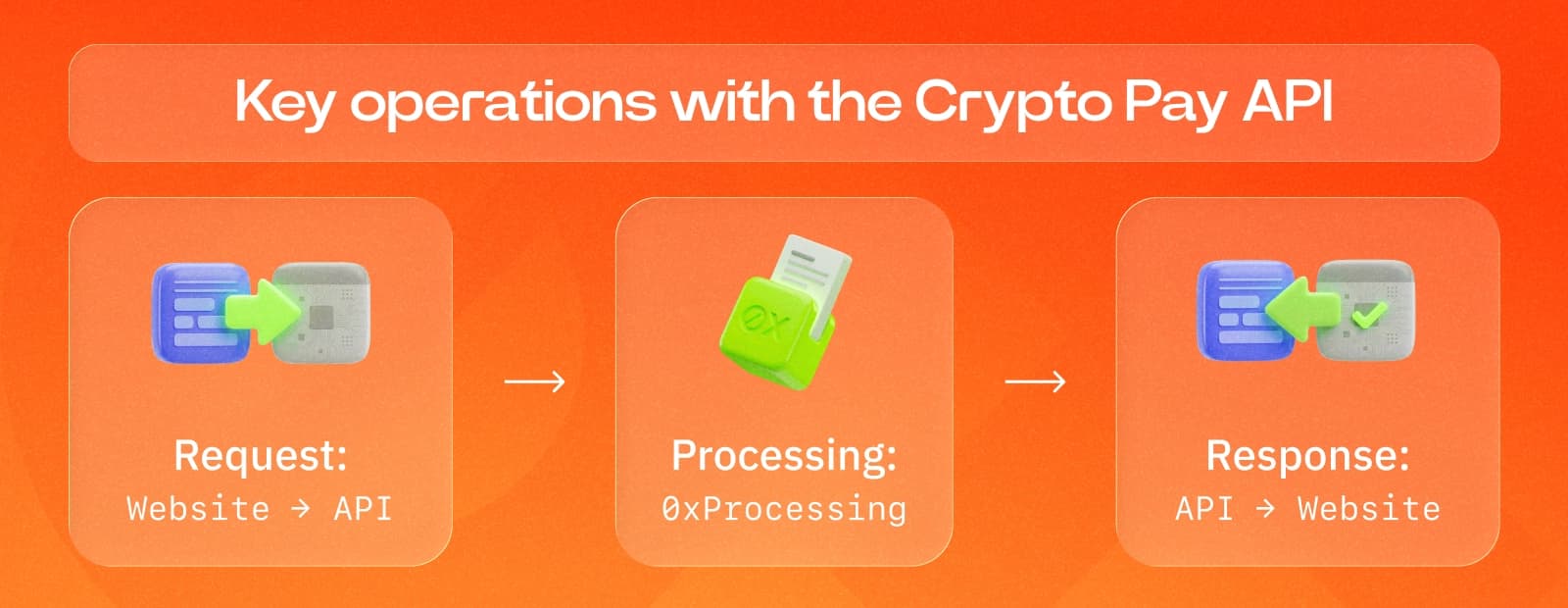
You can perform a wide range of actions using the 0xProcessing API. Let’s look at a few key scenarios.
Creating a fixed-amount payment (ideal for online shops)
This method is suitable for paying for a specific item in the basket.
import requests
# URL for creating an invoice (check the current endpoint in the 0xProcessing documentation)
url = 'https://api.0xprocessing.com/v1/invoice/create'
# Your details
payload = {
 'api_key': 'YOUR_SECRET_API_KEY',
 'amount': 125.50,
 'currency': 'USDT',
 "order_id": 'ORDER-12345', # Your internal order ID
 'description': 'Purchase of a 1-year premium subscription',
 'callback_url': 'https://yourdomain.com/payment/webhook',
 "success_url": 'https://yourdomain.com/success?order_id=ORDER-12345'
}
response = requests.post(url, json=payload)
data = response.json()
# Check the response and, for example, redirect the user
if data.get('status') == "success":
 payment_page_url = data.get('payment_url') # Link to the payment page
 # You can now redirect the customer to this link
 print(f'Payment link: {payment_page_url}')
else:
 print('Invoice creation error:', data.get('message'))
Checking the transaction status
If for some reason the webhook was not received, you can always request the transaction status yourself using its ID.
import requests
url = 'https://api.0xprocessing.com/v1/transaction/status'
payload = {
 "api_key": 'YOUR_SECRET_API_KEY',
 'txn_id': "TRANSACTION_ID_FROM_PREVIOUS_STEP" # or your order_id
}
response = requests.post(url, json=payload)
status_data = response.json()
print(f'Payment status: {status_data.get("status")}')
Withdrawing funds via API
You can set up automatic withdrawals to your cold wallet or configure automatic payments to customers without logging into your personal account. Special API methods are used for this.
import requests
url = 'https://api.0xprocessing.com/v1/withdraw'
payload = {
 'api_key': 'YOUR_SECRET_API_KEY',
 'amount': 0.5,
 'currency': 'ETH',
 'address': "0xYourEthereumWalletAddress",
 'auto_confirm': True # Automatically confirm the withdrawal without manual confirmation in the dashboard
}
response = requests.post(url, json=payload)
print(response.json())
Funds credited to your balance are available for withdrawal immediately. The minimum withdrawal amount is the equivalent of 10 USD.
Comparison of the Crypto Pay API with other payment methods
| Payment methods | Commission | Processing time | Chargeback | Geography | Automation |
|---|---|---|---|---|---|
| Crypto Pay API | 0,4-1% | Minutes | No | Worldwide | Full (API) |
| Credit/debit cards | 2,5-3,5% | Minutes | Yes | Depends on the bank | Partial |
| PayPal | 3-5% | Minutes | Yes | Around 200 countries | Partial |
| Bank transfer | 1-6% | 1–5 days | No | Limited | Low |
Cryptopay API offers the best combination of low fees, speed, security (no chargebacks) and global reach. For a business with a monthly turnover of $100,000, the savings on fees can amount to $2,000–$2,500 per month compared to other methods.
Why crypto is better: 3 more compelling arguments
- 24/7 availability. The crypto market never sleeps. Payments go through at weekends and on public holidays, unlike bank transfers. If a customer pays on Friday evening, you’ll receive the money within minutes, not on Monday morning.
- Micro-transactions. Thanks to networks like TRON (TRC-20), you can cost-effectively accept payments of less than $1, which is impossible with cards due to fixed fees. This opens up new business models for digital content and microservices.
- Attracting a new audience. Millions of users worldwide are already actively using cryptocurrency. Offering crypto payments could be a deciding factor for them when choosing your service. The crypto community is loyal to businesses that support digital assets.
Conclusion
Integrating cryptocurrency payments via API is not just about adding another payment option. It is a strategic move that automates your finances, opens your business up to a global audience and reduces costs. Thanks to simple and intuitive tools such as the 0xProcessing API, this process has become accessible to any business, regardless of size or technical expertise.
You can accept fixed-amount payments for online shops, variable-amount payments for platforms with internal balances, and set up recurring payments via Web3 wallets for subscriptions. The full power of blockchain becomes accessible through simple HTTP requests.
Don’t put off scaling your business until tomorrow. Sign up to 0xProcessing today and start accepting Bitcoin, Ethereum, USDT and over 60 other cryptocurrencies with lower fees than banks. New customers receive a personalised consultation on setting up payments.
Frequently asked questions about the Crypto Payment API
What is a crypto payment API?
A crypto payment API is a set of tools that allows your website or app to automatically create payment requests, generate crypto addresses, track transactions and confirm payments without manual intervention. It acts as a bridge between your business and the blockchain.
Do I need to be a programmer to use the Crypto Pay API?
If you have a custom-built website or app, you will need basic programming skills to make API calls. However, for popular platforms such as WooCommerce, Shopify or Magento, 0xProcessing offers ready-made solutions that do not require any coding.
How secure is it to accept crypto via the API?
Yes, provided you follow best security practices. Always use HTTPS, store your secret API key on the server (never pass it in client-side code) and validate incoming webhooks. When contacting support, be sure to provide your Merchant ID or account email for identification.
How long does integration take?
Basic integration for accepting payments can be completed in a few hours or days, depending on the complexity of the project. Using the API is the quickest way to get started. Once integration and payment testing are complete, we will set a custom processing fee based on your turnover.
Which cryptocurrencies can be accepted via the 0xProcessing API?
You can accept over 65 cryptocurrencies, including Bitcoin, Ethereum and major stablecoins: USDT (on the ERC-20, TRC-20 and BEP-20 networks), USDC and many others. The full list is constantly updated – if the currency you need is not listed, you can submit a request to support.
What is a callback URL/webhook?
A callback URL (or webhook) is an address on your server to which our API sends a notification when the payment status changes (for example, from ‘pending’ to ‘successful’). This allows your system to automatically update the order status without constantly querying the API. This is the basis for automating the payment process.
What happens if a customer has underpaid?
0xProcessing offers flexible settings for handling underpayments. You can manually approve such transactions in your dashboard or set up automatic acceptance of underpayments after the payment window closes (30–50 minutes). You can also configure automatic approval of transactions with a specific percentage of underpayment.
