An OpenClaw payment agent is an AI bot that runs on your own server, holds a crypto wallet, and handles payment tasks autonomously – confirming transactions, triggering conversions, executing payouts. If your business already accepts crypto and you want to cut manual overhead, this is one of the most practical ways to automate your payment operations in 2026. Below is everything you need to know: what OpenClaw is, how to deploy it, how to connect a wallet, and which payment workflows it can actually take off your plate.
What is OpenClaw?
OpenClaw is an open-source AI agent framework that runs on your own hardware. Created by Austrian developer Peter Steinberger, it launched in November 2025 under the name Clawdbot, went through two rebrands after a trademark dispute with Anthropic, and settled on OpenClaw in January 2026. By April 2026, the project had crossed 350,000 GitHub stars.
The key selling point for businesses: OpenClaw is local-first. Your data, API keys, and wallet credentials stay on your server. The agent talks to the world through messaging channels – Telegram, WhatsApp, Slack, Discord – and executes tasks using "skills," which are modular plugins written in markdown. You tell the agent what to do in plain language, and it figures out the rest.
Why does this matter for payments? Because an AI agent that sits on your infrastructure, monitors your payment gateway around the clock, and takes action when something happens – that is not a chatbot. That is an operations tool. For iGaming platforms and e-commerce businesses processing high volumes of crypto transactions, even a small reduction in manual payment handling translates into real savings.
Why crypto is the natural rail for AI agents
A traditional payment agent would need a bank account, KYC verification, and human authorization for every transfer. An AI agent cannot do any of that. But it can hold a crypto wallet and move funds on-chain with nothing more than an API call.
This insight is what makes the combination of AI agents and crypto payments so compelling. According to Privy's research on agentic wallets, the ability to transact is what turns a reasoning engine into an execution engine. Once your agent can pay for services, settle with affiliates, and confirm incoming deposits – it stops being a tool you check and becomes infrastructure that works.
For iGaming businesses, the case to create an OpenClaw AI agent for payments is straightforward. Players deposit around the clock. Withdrawals need to happen fast. Affiliate payouts run on a cycle. The agent can monitor all three workflows, flag anomalies, and execute routine transfers – while your team focuses on decisions that actually require a human.
Want to accept crypto payments on your website?
How to set up an OpenClaw agent: step by step
Running OpenClaw locally on a laptop works for testing. For production, you want a dedicated VPS – always on, isolated from personal data, accessible from anywhere via Telegram or Slack.
What you need
A VPS with 2+ GB RAM, 1–2 vCPU, Ubuntu 22.04 or later. Providers like Hetzner, DigitalOcean, or Contabo offer suitable plans in the $5–10/month range. According to Hostinger's OpenClaw documentation, a KVM2 plan or greater is recommended.
OpenClaw agent setup in four steps
- Secure the server. Create a non-root user, enable SSH key authentication, disable password login, configure UFW to allow only ports 22, 80, and 443. This is not optional – OpenClaw's own security documentation emphasizes isolating the agent runtime from personal accounts and credentials.
- Install OpenClaw. The framework requires Node.js 24 or Node 22.14+. Run the official installer and the diagnostic tool:
macOS, Linux, WSL2 —curl -fsSL https://openclaw.ai/install.sh | bash;
Windows (PowerShell) —iwr -useb https://openclaw.ai/install.ps1 | iex.
Theopenclaw onboard --install-daemoncommand walks you through gateway token setup, AI model selection (Claude, GPT-4, Gemini), and messaging channel configuration. - Set up auto-restart. Create a systemd service so the agent survives reboots and crashes:
[Service]
Type=simple
ExecStart=/home/openclaw/.npm-global/bin/openclaw gateway
Restart=always
RestartSec=10 - Connect a messaging channel. For business use, Telegram is the most practical. Create a bot via @BotFather, paste the token into the OpenClaw dashboard, and your team can interact with the agent from any device.
At this point the OpenClaw agent setup is complete. The agent is running, reachable, and ready to accept skills – including wallet and payment skills.
Connecting a wallet: how to create an OpenClaw AI agent that handles money
Adding the OpenClaw crypto wallet skill turns the agent from an assistant into an autonomous operator. There are two main approaches in the OpenClaw ecosystem right now.
agent-wallet-cli is an open-source, self-custodial CLI tool. It stores encrypted wallets locally on your VPS using Argon2id + AES-256-GCM encryption. Supports Ethereum, Solana, Polygon, Arbitrum, and Base. The security model is session-based: you unlock the wallet with a password, get a time-limited token (1–24 hours), and the agent uses only the token. It never sees your mnemonic after initialization.
OpenclawCash is a managed wallet API with policy controls. It adds spending limits, chain restrictions, DEX swap support (Uniswap on EVM, Jupiter on Solana), and a full audit trail. Authentication uses an API key, and the flow is straightforward: discover wallets, check balances, execute transfers. Better suited for teams and compliance-heavy environments.
Both paths produce an autonomous OpenClaw wallet – a wallet the agent can operate within defined boundaries.
Which one to pick?
| agent-wallet-cli | OpenclawCash | |
|---|---|---|
| Custody | Self-custodial (keys on VPS) | Managed (API-key governance) |
| Chains | ETH, SOL, Polygon, Arbitrum, Base | EVM + Solana |
| Spending limits | Manual (token expiry) | Built-in policies |
| DEX swaps | No | Yes |
| Audit trail | Local logs | Full API history |
| Best for | Single-chain, privacy-focused | Multi-chain, teams |
For most iGaming operators starting out, agent-wallet-cli is simpler and more transparent. If you need multi-chain swaps or team-level access control, OpenClawCash is worth the trade-off.
Security: what to lock down before going live
An AI agent with wallet access is a high-value target. The OpenClaw
community and independent researchers have flagged several risks that businesses should address before deploying in production.
Never store wallet passwords in the agent's environment. Unlock manually, pass a session token, let it expire.
Run in Docker. Containerization limits what the agent can access on the host. The official Docker Compose setup handles this out of the box.
Set hard spending limits. Per-transaction caps and daily maximums. If using OpenclawCash, define these at wallet creation. For agent-wallet-cli, build amount checks into your custom skill logic.
Audit every skill before installing. Skills are markdown files with embedded scripts. Read every line – especially for wallet-related skills that handle private keys.
Keep the dashboard behind SSH. The Control UI defaults to localhost:18789. Access it through a tunnel, never expose it publicly.
Back up the mnemonic offline. If the VPS dies, you need it to recover funds.
Industry experts note that while AI agents with autonomous wallets are still early-stage technology, the security infrastructure is maturing fast. For businesses in iGaming and high-volume e-commerce, the key recommendation is to start with read-only monitoring (payment confirmations, alerts) before enabling write operations (payouts, conversions). This staged approach limits risk while capturing the most immediate operational gains.
Payment workflows: what can the agent actually do?
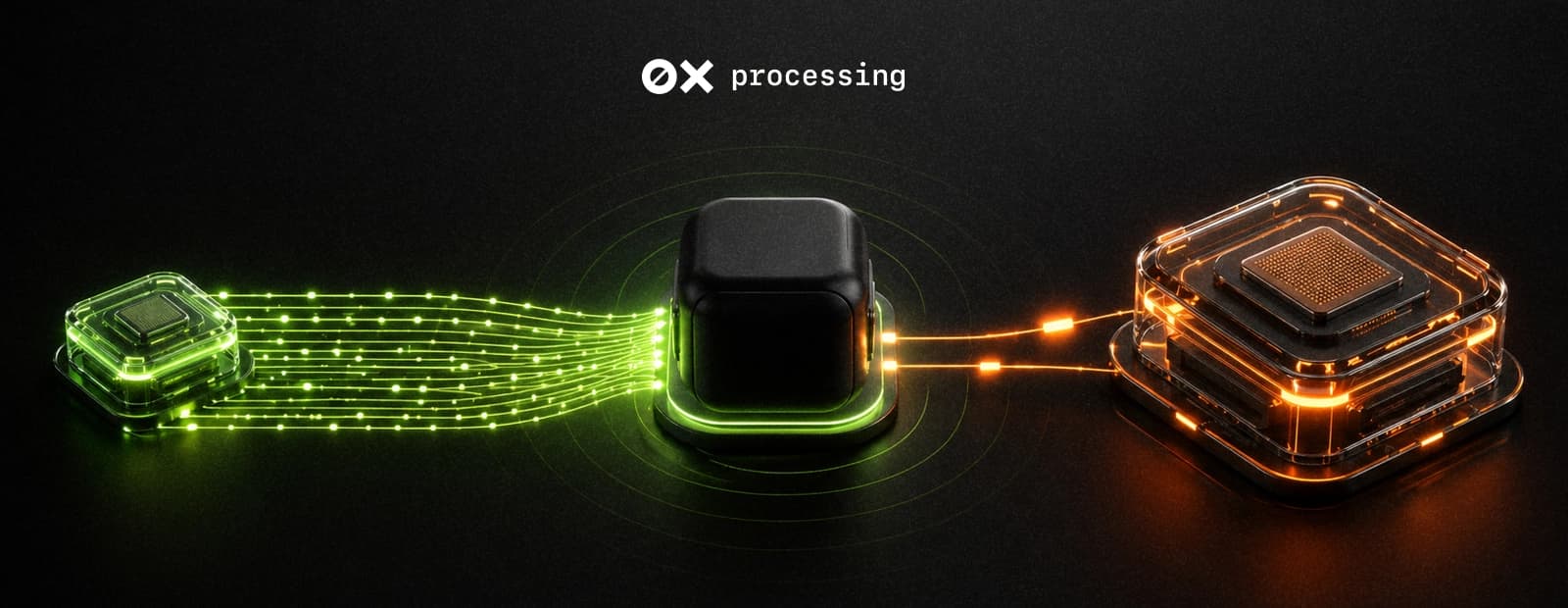
Here are three scenarios where a payment agent delivers real value for businesses that process crypto at scale.
Automated payment confirmation. The agent monitors incoming webhook notifications from your payment gateway. When a customer completes a deposit, the agent parses the callback, verifies the amount and status, and sends a confirmation to your operations Telegram channel. No one needs to refresh a dashboard at 3 AM.
For iGaming platforms, this is especially relevant: players expect deposits to reflect instantly. An agent that confirms in seconds and flags underpayments automatically reduces support tickets and improves player experience.
Volatility monitoring and conversion alerts. The agent tracks the market price of incoming tokens and alerts you when volatility exceeds a threshold you set. It can trigger auto-conversion to stablecoins through your gateway's built-in tools or send a notification so your treasury team can act.
Batch affiliate payouts. At the end of each billing cycle, the agent reads a payout schedule, verifies balances, and executes batch transfers to affiliate wallets. Your finance team receives a summary in Telegram with transaction hashes for each transfer.
These workflows eliminate the repetitive, time-sensitive manual tasks that burn operations hours – exactly the kind of work where AI agents outperform humans.
Looking for a payment gateway your agent can plug into? 0xProcessing provides a webhook-based API with real-time callbacks, auto-conversion to stablecoins (VRCS), and support for 65+ cryptocurrencies. Your OpenClaw agent can listen for 0xProcessing webhooks, confirm payments, and trigger follow-up actions – all through standard HTTP calls.
Running 24/7: costs and monitoring
Every OpenClaw agent runs on a "heartbeat" – a recurring loop where it checks for pending tasks. Each heartbeat is an API call to your AI model, so costs add up.
Cost-saving tip from the community: use a free local model (Ollama, LM Studio) for the heartbeat – a small 3B parameter model handles "is there work?" logic for $0. Reserve paid models (Claude, GPT-4) for complex decisions like payout calculations. On a 15-minute heartbeat interval, expect $5–15/month in API costs plus $5–10 for the VPS.
Monitoring: watch logs with journalctl --user -u openclaw -f. Set up a cron-based health check that pings the gateway status endpoint and alerts Telegram if the agent goes offline.
FAQ
What is an OpenClaw payment agent?
An autonomous AI bot built on the OpenClaw framework that holds a crypto wallet, monitors payment gateway webhooks, confirms transactions, and executes transfers without manual input.
How much does it cost to run?
$10–25/month total. A VPS runs $5–10, and AI model API calls add $5–15 depending on usage. A free local model for the heartbeat loop keeps costs at the lower end.
Is it safe to give an AI agent wallet access?
Yes, with proper guardrails: session tokens instead of passwords, spending limits, Docker isolation, and skill auditing. The agent-wallet-cli tool encrypts keys with Argon2id + AES-256-GCM.
Which blockchains does the autonomous OpenClaw wallet support?
agent-wallet-cli covers Ethereum, Solana, Polygon, Arbitrum, and Base. OpenclawCash adds DEX swaps via Uniswap and Jupiter.
Can I connect the agent to my existing crypto payment gateway?
Yes. Any gateway with a webhook-based API works. The agent listens for callbacks, parses the JSON payload, and acts based on payment status. Gateways like 0xProcessing provide exactly this kind of integration path.
Do I need a developer to set this up?
Basic terminal skills are required for the VPS setup. The OpenClaw onboarding wizard automates most configuration, and providers like Hostinger offer one-click templates. For wallet integration and custom payment logic, a developer or CTO involvement is recommended.